
Name-Based Florence County Case Searches
The official public route runs through Wisconsin Circuit Court Access, or WCCA. Type the full last name first, then the first name. A middle name helps narrow things down. One checkbox includes parties whose court records list no middle name at all. A birth date will not work on its own. WCCA demands a party name alongside it. Many civil cases carry no matching birth date anyway.
- Open the WCCA simple case search and select Florence in the County field.
- Enter a complete last name and add the first or middle name when known.
- Use business name instead of a person's name for an organization.
- Review the county, filing date, status, name, and caption in the results.
- Select the case-number link to open the public case summary and history.
The WCCA simple search page holds the real controls for party, business, county, and case-number lookups.
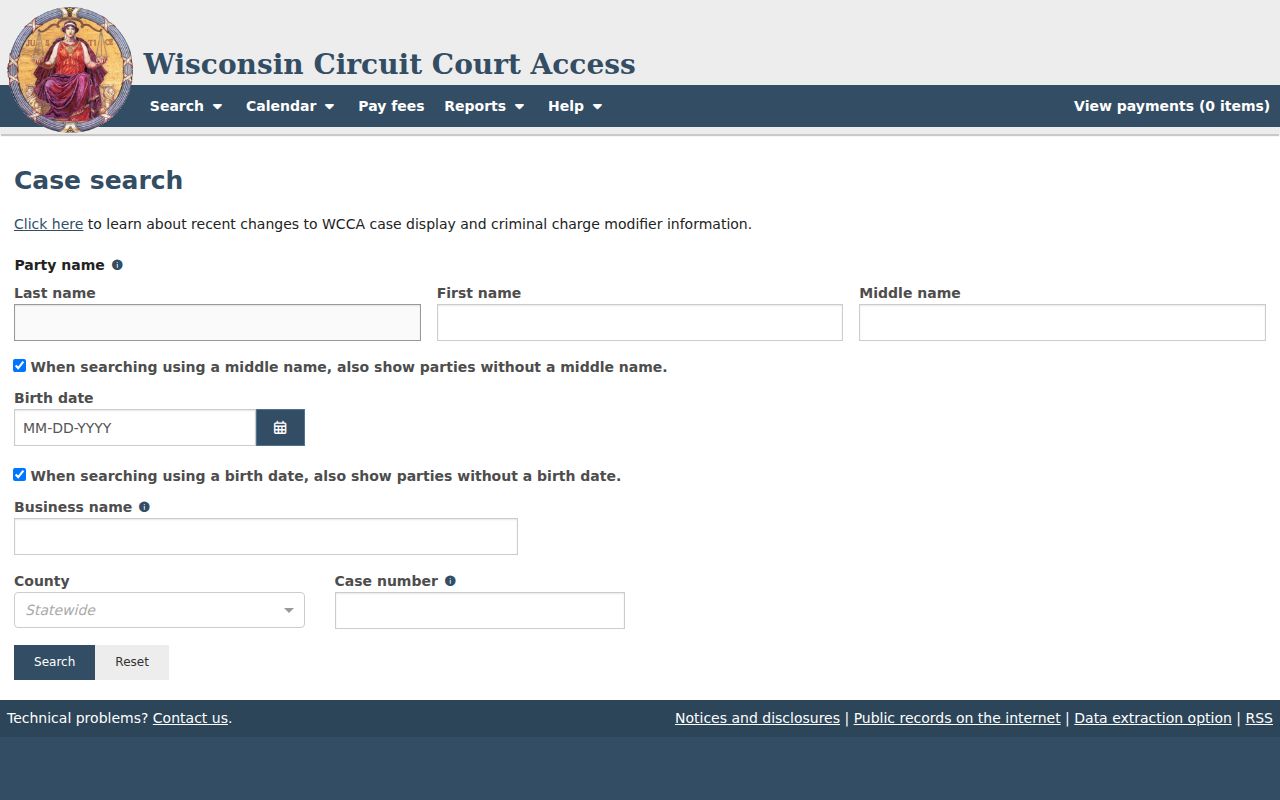
Even a local search runs on a statewide interface. Choosing Florence is the step that limits results to cases filed in Florence County.
| Field | Type | Required | Florence County search note |
|---|---|---|---|
| Last, first, middle name | Text | No single field | Complete names improve matching; use enough criteria to identify the right case. |
| Birth date | Date | Name required with it | Official help uses MM/DD/YY and offers a missing-DOB checkbox. |
| Business name | Text | No | Use for an organization rather than combining it with a person name. |
| County | Dropdown | No | Select Florence instead of Statewide for county-only results. |
| Case number | Text | No | Use it when known for the most direct lookup. |
WCCA County Filter: Florence
WCCA starts as a statewide system. That means a Florence County docket search is not its own county database. On the county homepage, the plain-language “CIRCUIT COURT RECORDS” link leads to WCCA, and the same system powers the courthouse terminals. Select Florence before deciding whether a local case exists.
The WCCA landing interface opens the statewide starting point.
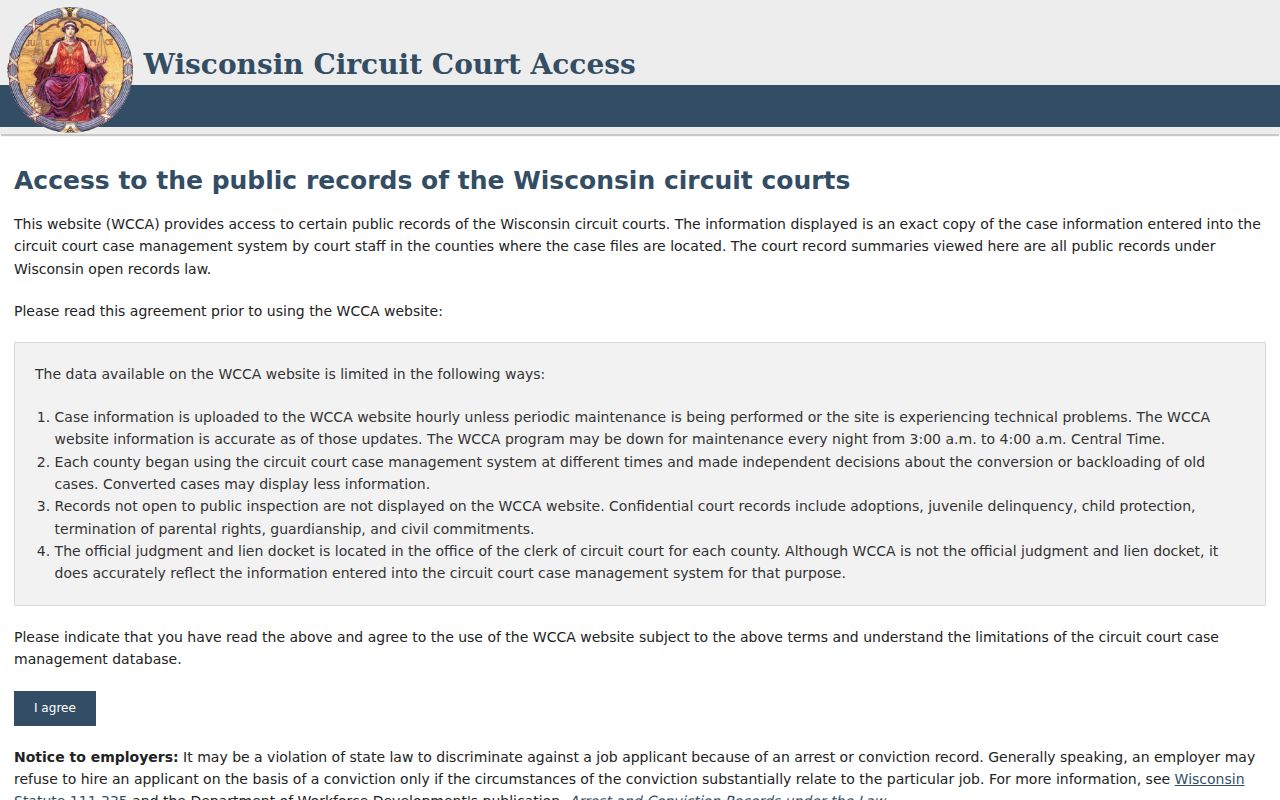
Public browsing needs no eFiling account, unlike the access attorneys and other filers use. CAPTCHA screens or maintenance can interrupt a session, so the clerk stays a worthwhile alternative.
Florence County Case Number Searches
Every Wisconsin case number follows one pattern. Four digits give the year. Two letters give the case type, and six digits give the sequence, as in 2024CF000001. There, 2024 is the filing year, CF marks a felony, and 000001 is the sequence. A full case number pins down a court record far better than a name can. A common name, that is.
Shortened entries work too. WCCA help normalizes 02cf1 into 2002CF000001. Still, copy the complete number from a notice or filing whenever you can. A wrong code or year may pull a different record. It may pull nothing at all. Search Florence County first. Then compare the caption, status, and filed date before opening the case.
Advanced Florence County Docket Filters
Advanced search adds filters for case class, case type, status, attorney, dates, agency, citation, district-attorney number, and more. Case class gets its own control. So does case type. It shines when a name is common or the issuing agency is known. A few date-range pieces cap out at thirty days. For dropdown options, trust the live interface over any stale list.
The advanced WCCA interface lays out all of these controls.
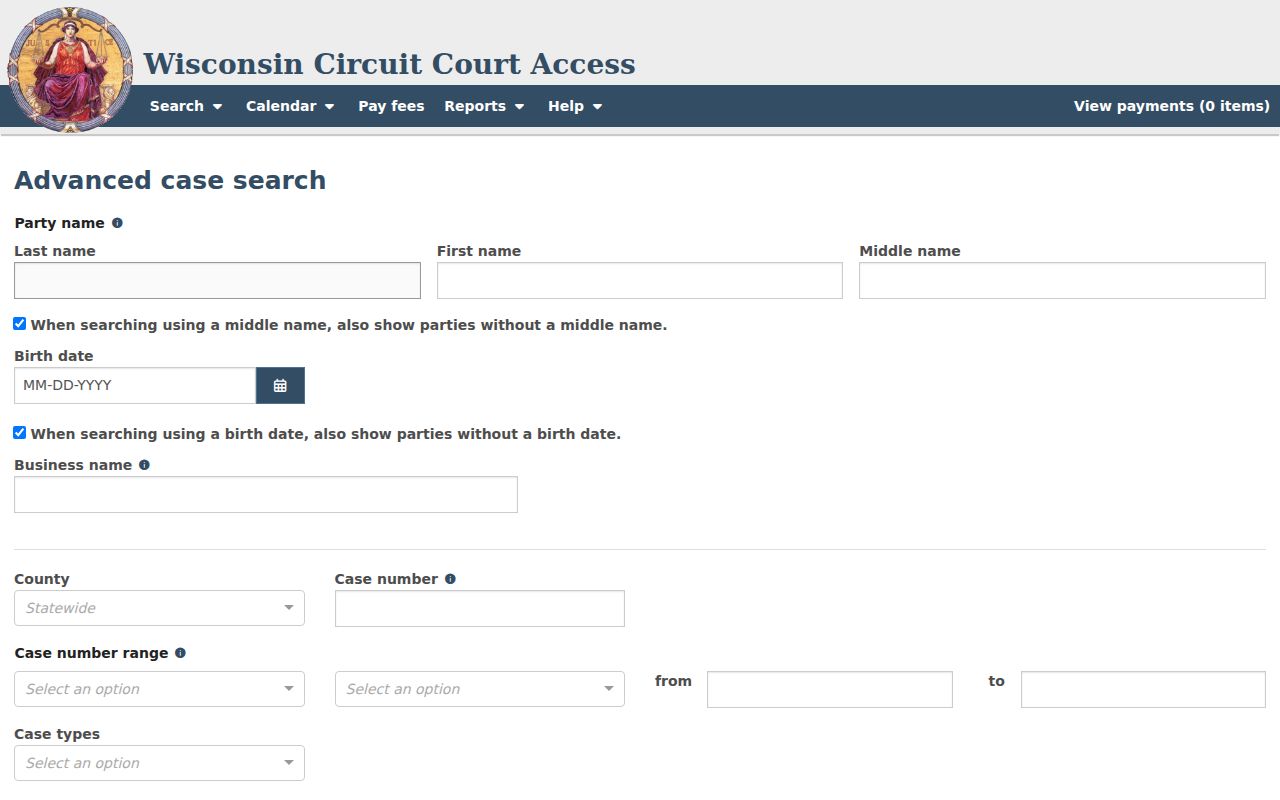
Class code carries a companion rule. Pair it with a county and WCCA also wants a party name, case number, prosecutor, issuing agency, filing date, citation number, district-attorney number, or state bar ID. Case-number ranges have their own demands: a year, a case type, and an ending sequence larger than the first.
Case Search Results Explained
A result row is just the index. Click the case-number link to see what is public. The summary may split into sections for parties, charges, activities, court record, documents, civil judgments, and receivables. Exactly what appears depends on the case type and its access status.
| Case number | The linked year, type code, and sequence used to open the summary. |
|---|---|
| Filing date | The date the action was filed or opened in the court system. |
| County | The filing county; verify that Florence appears for the intended local matter. |
| Status | The current public status, which must be read with later activities and orders. |
| Name and caption | Public party information and the case title, subject to redaction and restriction rules. |
| Activities | Dated entries for hearings, filings, orders, judgments, or other recorded events. |
A “Disposed” label alone says nothing about the outcome. Read the disposition activity and the signed order. And remember, a docket entry noting that a document was filed is not the document itself.
Florence County Summary Layout
Instead of one long docket sheet, WCCA breaks a case into panels. A criminal docket can display charges, defendant details, citations, bond information, and receivables where public. A civil docket can show the class code, parties, and activities. It may also list court-record references, documents, judgments, and cross-referenced cases. The sections vary with each case.
A neutral framed case-detail route illustrates the layout. It does not stand in as a Florence County case claim.
That view covers structure only. To pull a real Florence County record, set the right county or enter its case number. If a document or status matters, confirm with the Florence clerk.
County and State Search Paths
One public WCCA platform offers two scopes. County-filtered searching keeps the focus on Florence. Statewide searching helps when the filing county is a guess, but it can pile up name matches. Neither scope makes WCCA a full document-image service.
| Statewide WCCA | Florence County-filtered WCCA |
|---|---|
| Searches public circuit case information across Wisconsin counties. | Restricts results to cases filed in Florence County. |
| Best when the filing county is unknown or several counties must be checked. | Best for a known local matter, notice, or Florence case number. |
| May return many similar party names. | Reduces county ambiguity but still requires caption and date review. |
| Uses the same permitted public data layer. | Uses the same WCCA summary and history fields. |
Wisconsin Circuit Court eFiling is a separate animal. It routes eligible filings into CCAP and ties access to authorized accounts. Anonymous public lookup stays in WCCA. Courthouse terminals give case information to anyone without internet, and clerk inspection opens the nonconfidential file.
When Florence County Search Fails
An empty result is not the end of the story. The case may still exist. Check the spelling of the name. Also check the county filter on the docket search. The year or case-type segment of a case number is another common trip-up. Enter the full case number if you have it. Older Wisconsin counties converted their records onto WCCA at different times. So coverage of historic files varies from place to place. Routine maintenance can leave a Florence County court docket looking blank when it isn't. So can CAPTCHA interruptions. A case entered only days ago, or restricted access, can do the same.
When the online docket search comes up dry, go straight to the source. Call the Florence County Clerk of Circuit Court at 715-528-3205. Or stop at 501 Lake Avenue during posted weekday hours. Ask for a case-number lookup. Ask for courthouse WCCA access or a chance to inspect a public file. Mail works too: send requests to P.O. Box 410, Florence, WI 54121-0410, and confirm the fees and details first. State the party or caption and the case type. Add the filing year, the date range, and the exact item you want. Wisconsin public-records law backs inspection and copying, subject to court confidentiality rules. The county contact form handles general inquiries, but local rules do not accept pleadings by email.
Which Cases Stay Restricted
Some court records stay closed, and for good reason. Wisconsin law shields many Children's Code and juvenile justice files. Sealed cases, confidential case types, protected addresses, and personal identifiers may be withheld or redacted before anything reaches the public docket. Certain family matters and documents face limits as well. If you are entitled to restricted material, the clerk has a process for establishing your authority and releasing what the rules allow.
WCCA is not PACER. It neither displays nor sells every case document. Transcripts and filed papers generally have to come from the courthouse in the county where the case was filed, unless you are an authorized eFiling user with access. A hidden case tells you nothing about its contents, so don't guess from the absence. Ask the Florence clerk what public record exists and which rule controls access.
Correcting Florence County Search Data
A public court docket can be incomplete, out of date, or simply wrong. Write down the case number and pinpoint the field or activity that looks off. The Florence County Clerk of Circuit Court keeps the local case record. That office is the right first stop for error questions. WCCA support can fix a system problem. It cannot replace a court order, though. It also cannot change a local record outside the proper court process.
Case entry versus court file: Treat WCCA as public case information, not as a certified copy of the Florence County file.
For a filed order, judgment, transcript, or certified record, request the item from the clerk and confirm the current copy charge.
Clerk staff can walk you through locating or requesting a court record. What they cannot do is decide a dispute or hand out legal advice. A correction that needs a motion, order, or confidential filing should follow the court's rules. Or go through a licensed attorney.
When you report a claimed error, be precise. Give the Florence County case number, the field label, and the activity date. Add the official document that backs up your request. Do not push a new pleading through the county contact form. Local rules do not accept filings by email. Instead, ask the clerk which filing or records channel applies.